
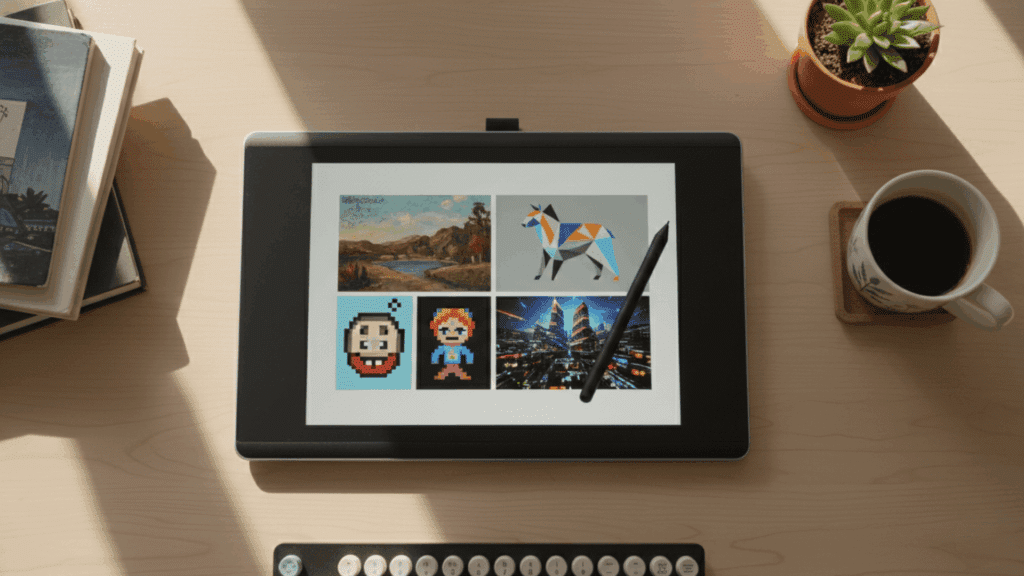
Digital art is everywhere now. From the games you play to the ads you scroll past, someone created those visuals on a computer or tablet.
But if you’ve ever stared at a blank screen wondering where to start, you’re facing the same question every artist asks: which style fits your vision?
Some styles mimic traditional painting. Others use math to generate patterns. A few turn glitches into art on purpose. Each one requires different tools and skills.
This guide breaks down popular digital art styles, the software professionals use, and how to build your own creative voice. Let’s get started.
What Are Digital Art Styles?
Digital art styles are the different ways artists create visual work using computers, tablets, or software instead of traditional materials like paint or pencils.
Each style has its own look and feel, shaped by the tools you use, the techniques you apply, and what you want to express.
Think of it like choosing between watercolors and oil paints, but in the digital world. These styles matter more than ever because social media, video games, advertising, and online content all need unique visuals to stand out.
Learning multiple styles gives you flexibility as an artist. You can switch between projects easily, appeal to different audiences, and find more creative opportunities.
Digital Art Styles Every Artist Should Know
Ready to expand your creative toolkit? These 16 styles represent the most popular and practical approaches in digital art today, each offering unique possibilities for your projects.
1. Digital Painting
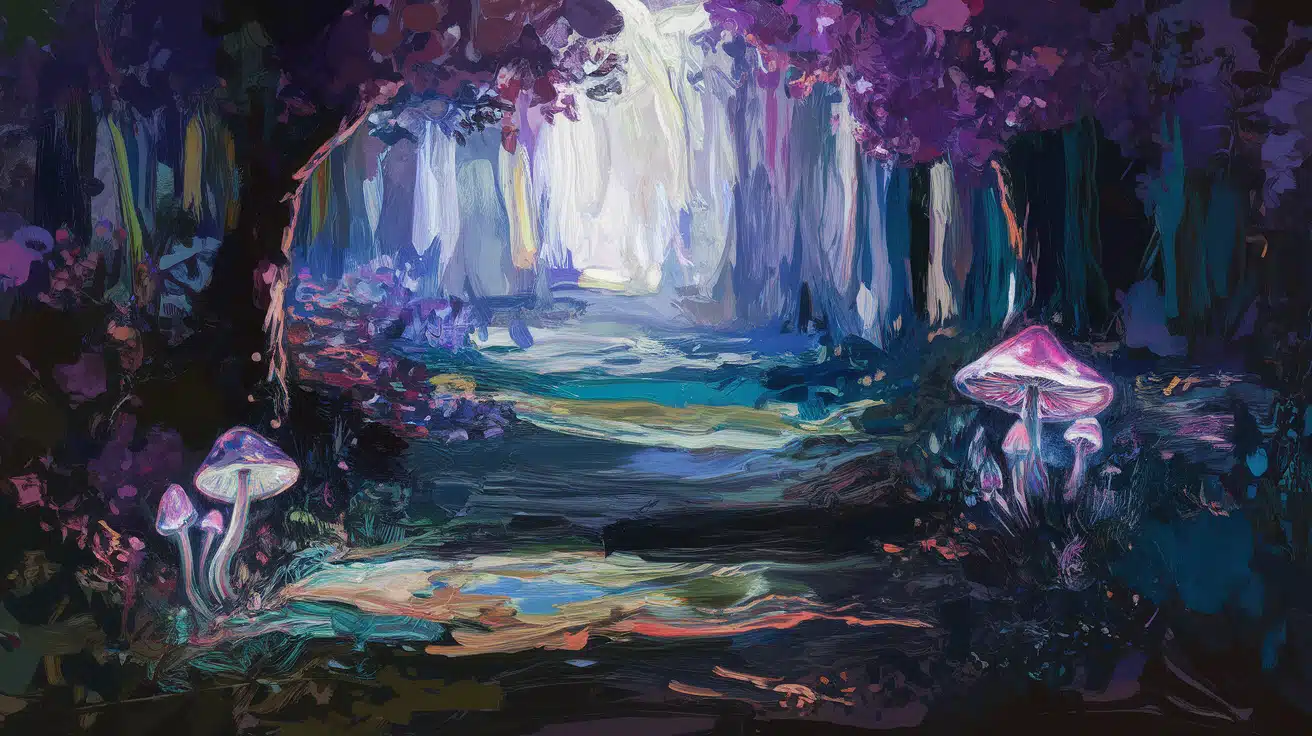
Digital painting lets you create artwork that looks like traditional paintings but on a screen. Artists use digital brushes that mimic oil, watercolor, or acrylic effects.
This style is popular for fantasy art, character designs, and backgrounds in films. You get the freedom to undo mistakes, layer colors, and experiment without wasting materials.
| Aspect | Details |
|---|---|
| Best For | Fantasy landscapes, character art, matte paintings |
| Key Features | Brush customization, pressure sensitivity, and layer blending modes |
| Popular Tools | Procreate, Photoshop, Krita |
| Skill Level | Beginner to Advanced |
2. Vector Art
Vector art uses mathematical points and paths instead of pixels. This means your graphics stay sharp no matter how big or small you make them.
Designers love this style for logos, icons, and any work that needs to be resized often. The lines stay clean and professional at any scale.
| Aspect | Details |
|---|---|
| Best For | Brand icons, infographics, UI graphics |
| Key Features | Infinite scalability, crisp edges, shape-based design |
| Popular Tools | Adobe Illustrator, Inkscape |
| Skill Level | Beginner to Intermediate |
3. 3D Digital Art
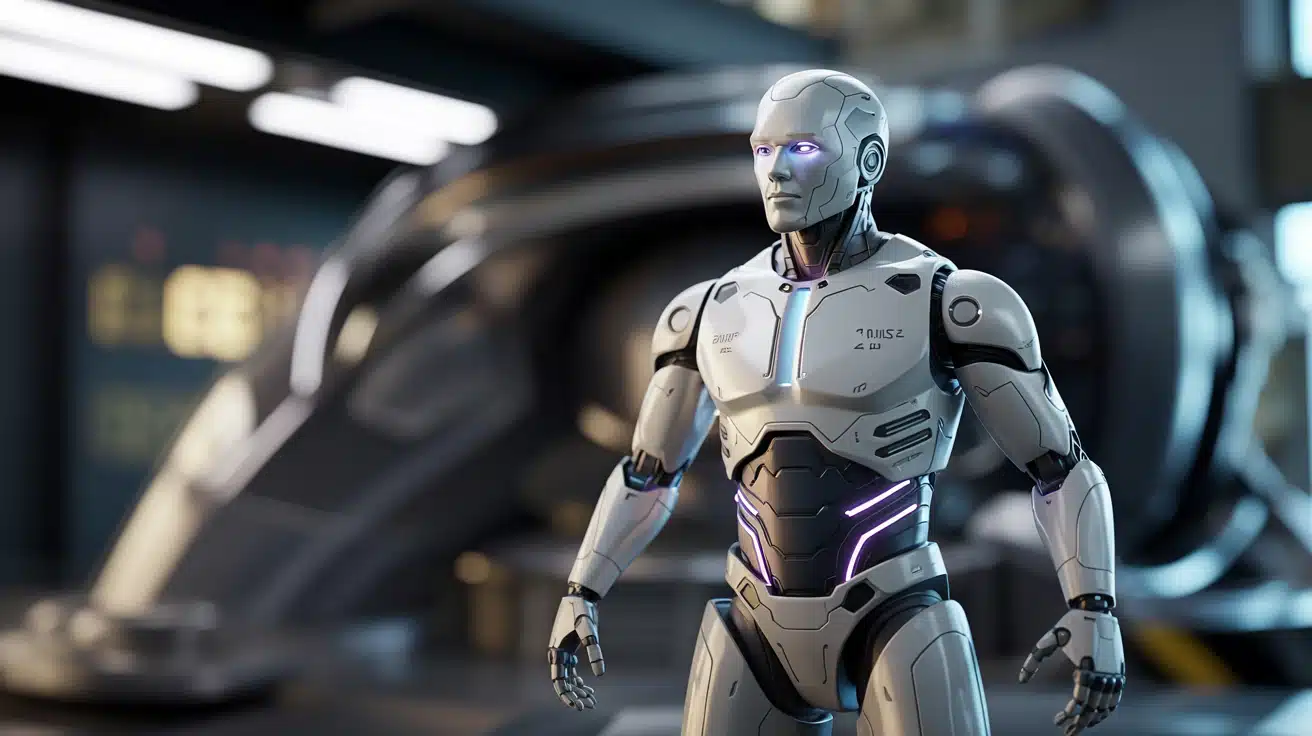
3D digital art brings objects and characters to life in three dimensions. Artists model shapes, add textures, and set up lighting to create realistic or stylized scenes.
This style is essential in game development, product visualization, and animated films. It opens up a whole world of depth and realism.
| Aspect | Details |
|---|---|
| Best For | Game characters, product renders, VR worlds |
| Key Features | Polygon modeling, texture mapping, and lighting systems |
| Popular Tools | Blender, Maya, 3DS Max |
| Skill Level | Intermediate to Advanced |
4. Pixel Art
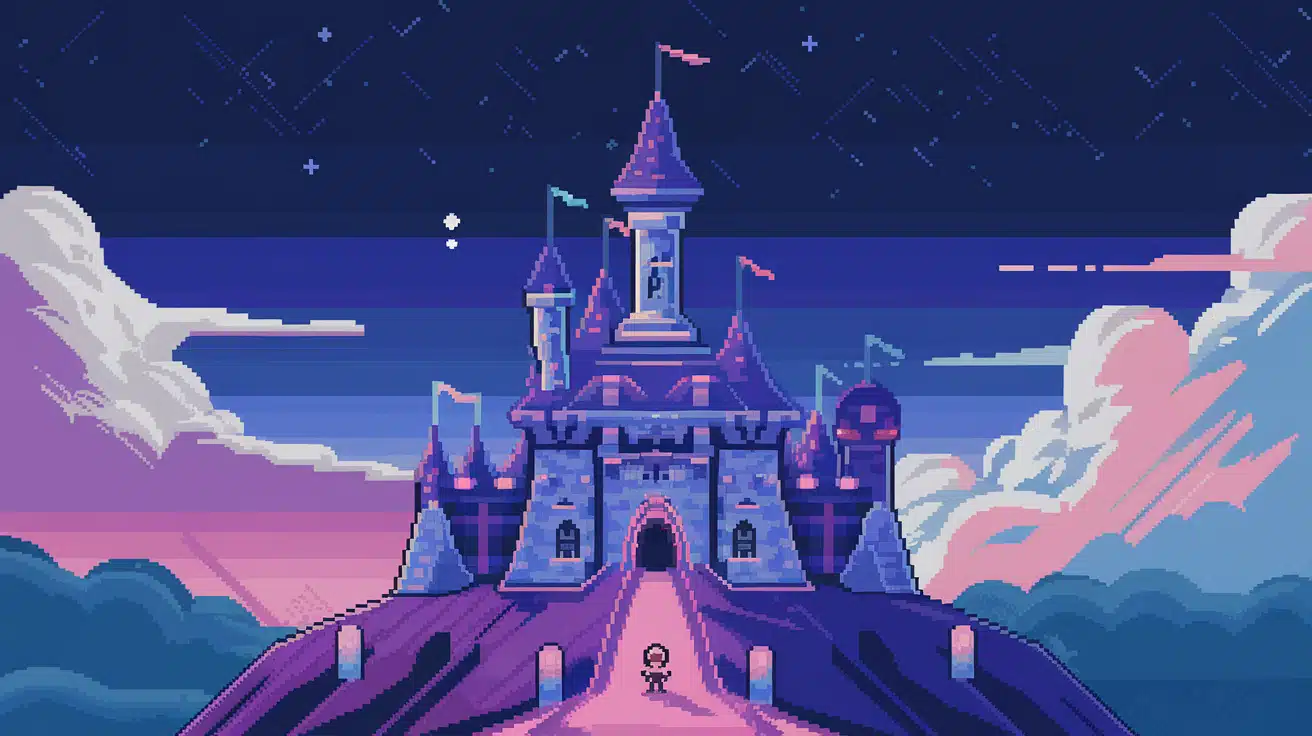
Pixel art takes you back to the era of classic video games with its blocky, grid-based look. Each tiny square is placed by hand to form characters, objects, and scenes.
This retro style has made a comeback in indie games and nostalgic designs. It proves that you don’t need high resolution to create something memorable.
| Aspect | Details |
|---|---|
| Best For | Retro game sprites, indie game backgrounds, icons |
| Key Features | Grid-based creation, limited color palettes, and manual pixel placement |
| Popular Tools | Aseprite, Piskel |
| Skill Level | Beginner to Intermediate |
5. Raster Painting
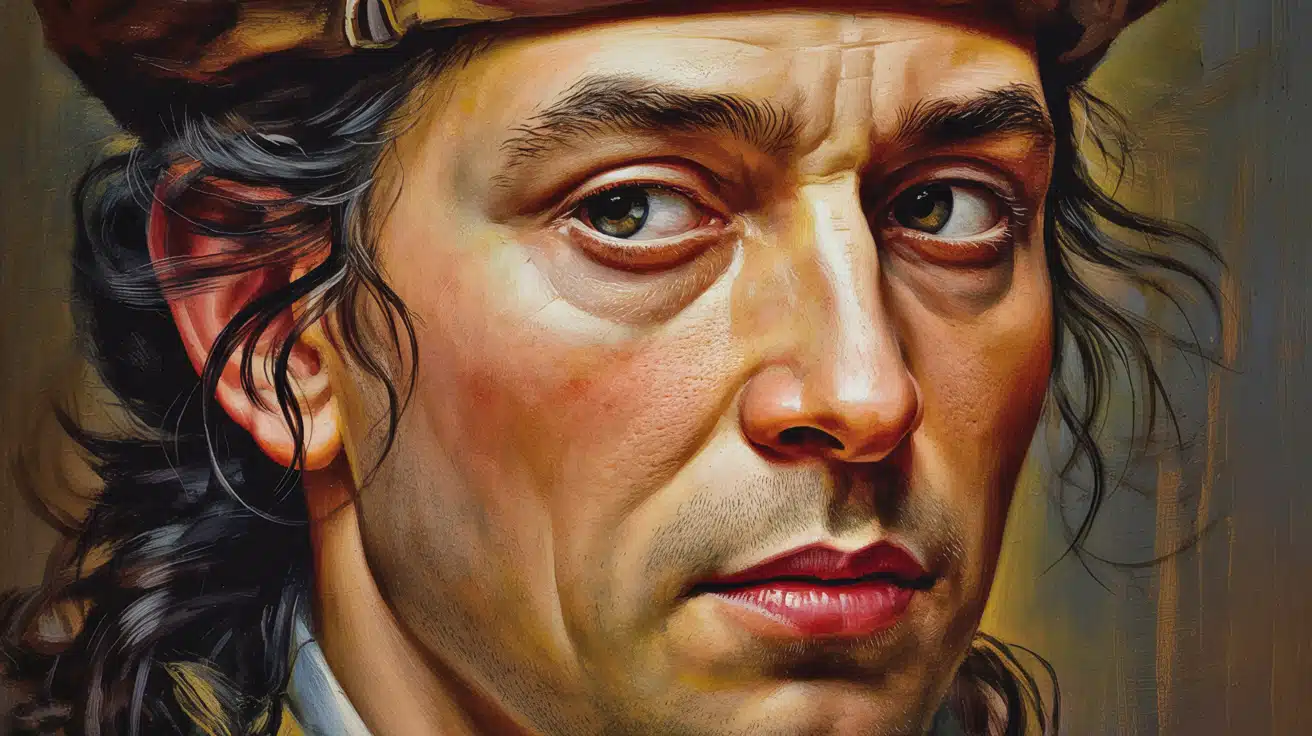
Raster painting works directly with pixels to build up detailed images. Unlike vectors, every brushstroke affects individual pixels, giving you complete control over texture and detail.
This approach is perfect when you want painterly effects with rich color transitions. Many concept artists prefer this method for its natural feel.
| Aspect | Details |
|---|---|
| Best For | Textured portraits, concept art, detailed illustrations |
| Key Features | Pixel-level control, texture brushes, color blending |
| Popular Tools | GIMP, Clip Studio Paint |
| Skill Level | Intermediate to Advanced |
6. Fractal Art
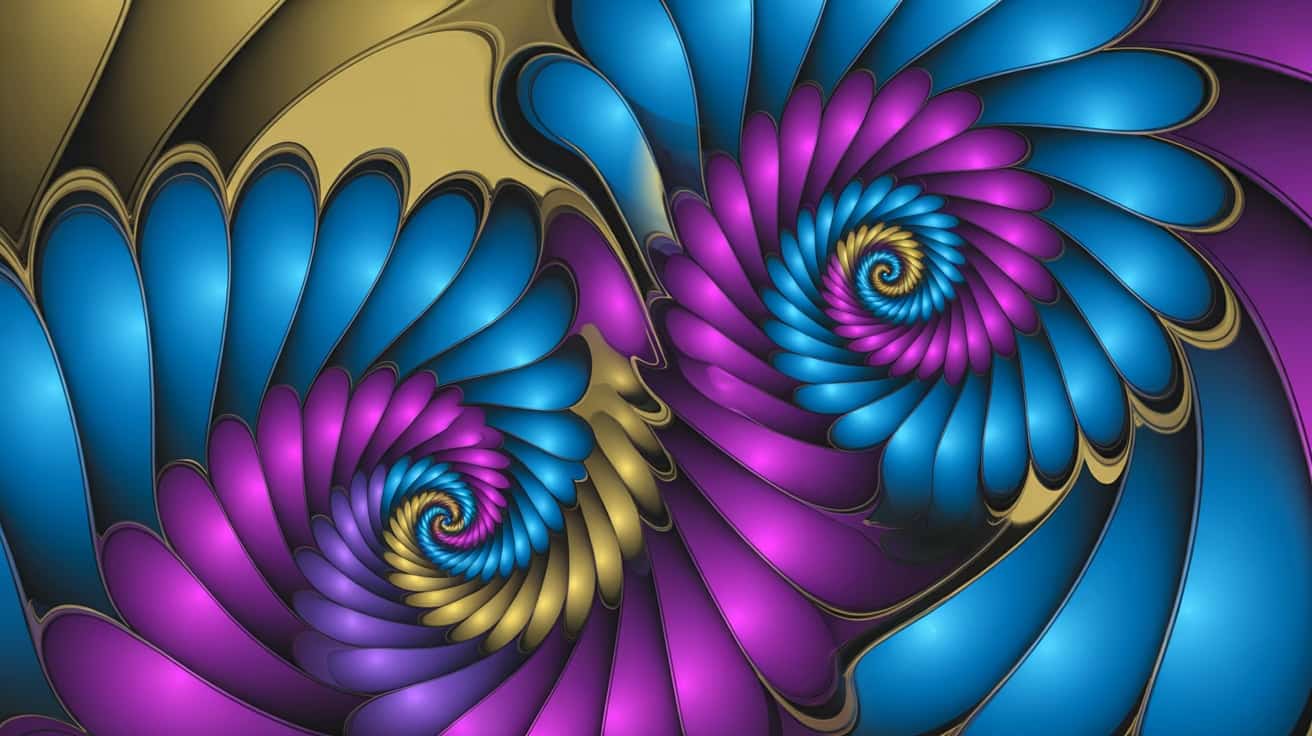
Fractal art creates stunning patterns using mathematical formulas and algorithms. The same shapes repeat at different scales, creating complex and mesmerizing visuals.
Artists adjust parameters to generate organic-looking forms that feel both natural and otherworldly. This style blends math with creativity in fascinating ways.
| Aspect | Details |
|---|---|
| Best For | Algorithmic abstract compositions, digital backgrounds |
| Key Features | Mathematical formulas, recursive patterns, parameter tweaking |
| Popular Tools | Apophysis, Mandelbulb 3D |
| Skill Level | Intermediate |
7. CGI / Digital Illustration
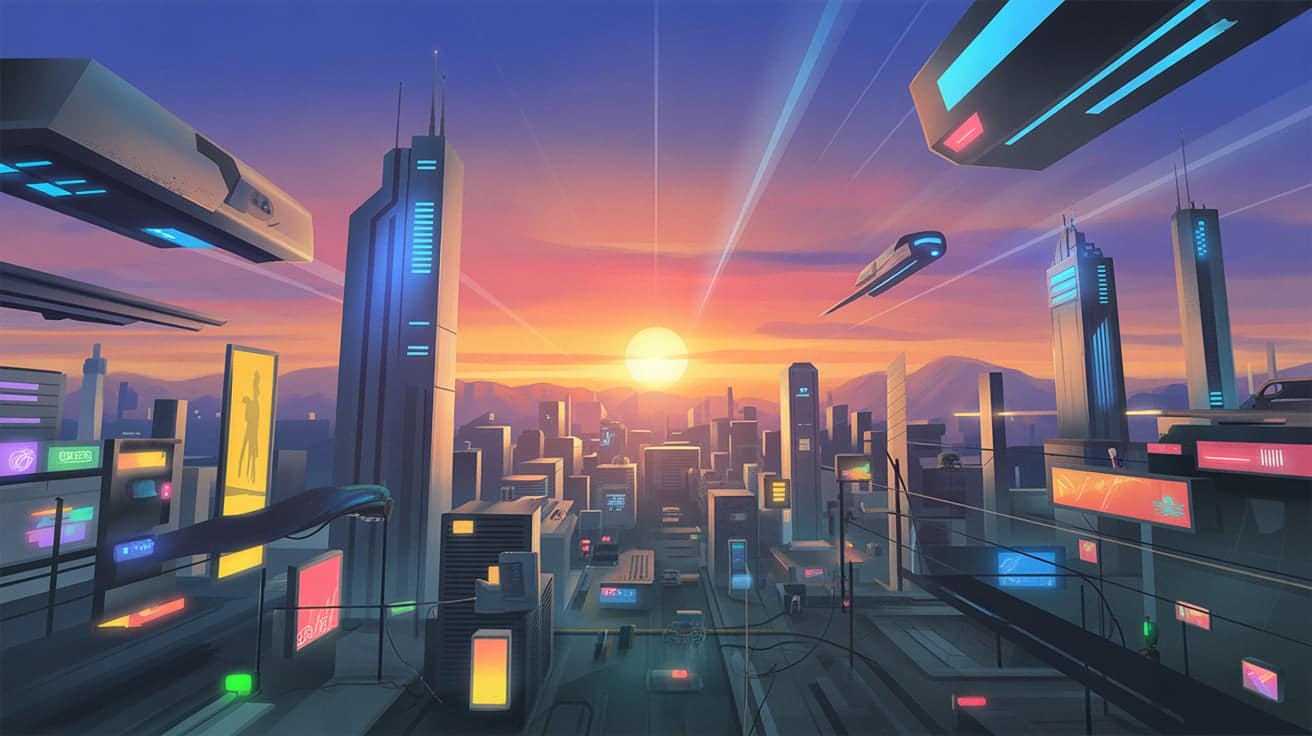
CGI combines two-dimensional and three-dimensional techniques to create computer-generated imagery. This style appears in blockbuster movies, commercials, and high-end digital illustrations.
Artists blend modeling, painting, and rendering to achieve polished, cinematic results. The final output often looks photorealistic or stylized based on the project’s needs.
| Aspect | Details |
|---|---|
| Best For | Commercial sci-fi scenes, cinematic visuals, advertising |
| Key Features | Hybrid 2D/3D workflow, rendering engines, and compositing |
| Popular Tools | Cinema 4D, Houdini |
| Skill Level | Advanced |
8. Digital Collage
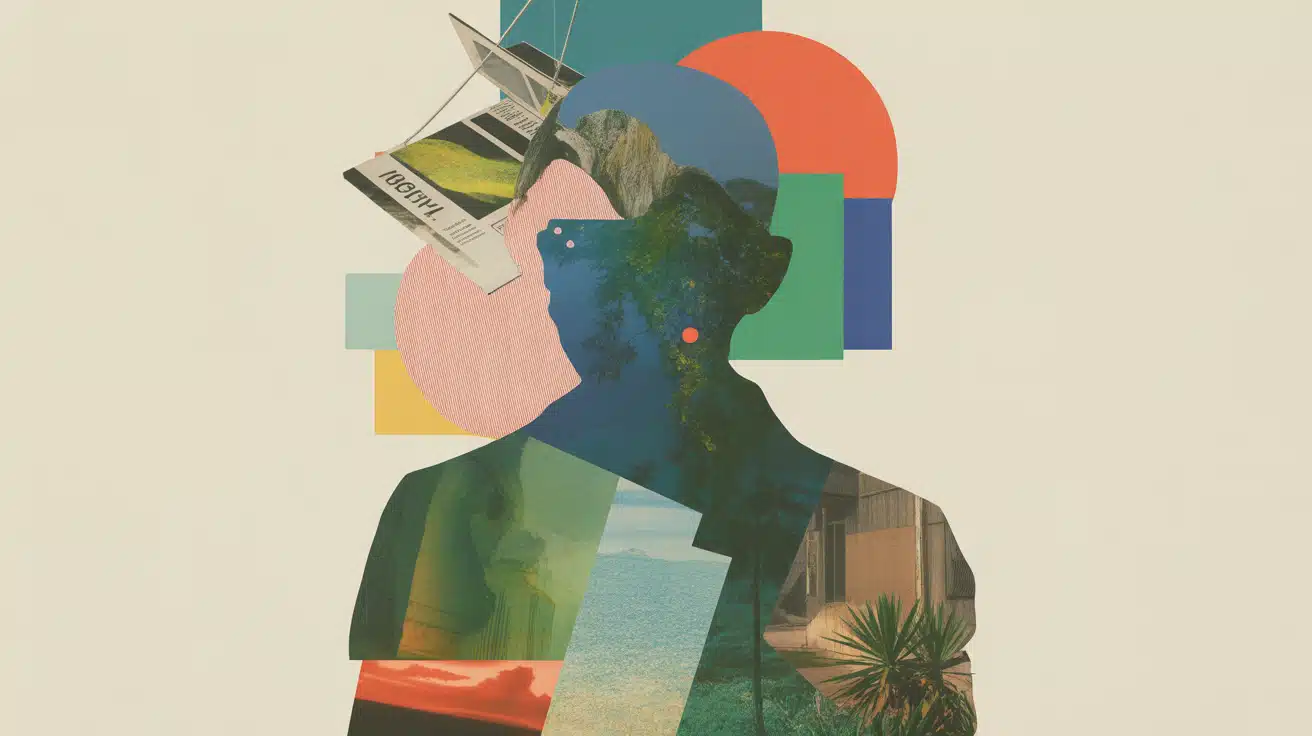
Digital collage involves cutting, layering, and blending different images and textures into one composition. Artists mix photos, patterns, and painted elements to create surreal or abstract pieces.
This technique gives you endless possibilities for combining real and imagined elements. The result can be dreamlike, editorial, or wildly experimental.
| Aspect | Details |
|---|---|
| Best For | Surreal photo composites, layered mixed media, editorial art |
| Key Features | Image layering, masking, texture blending, and composition skills |
| Popular Tools | Photoshop, Affinity Photo |
| Skill Level | Beginner to Intermediate |
9. Photobashing
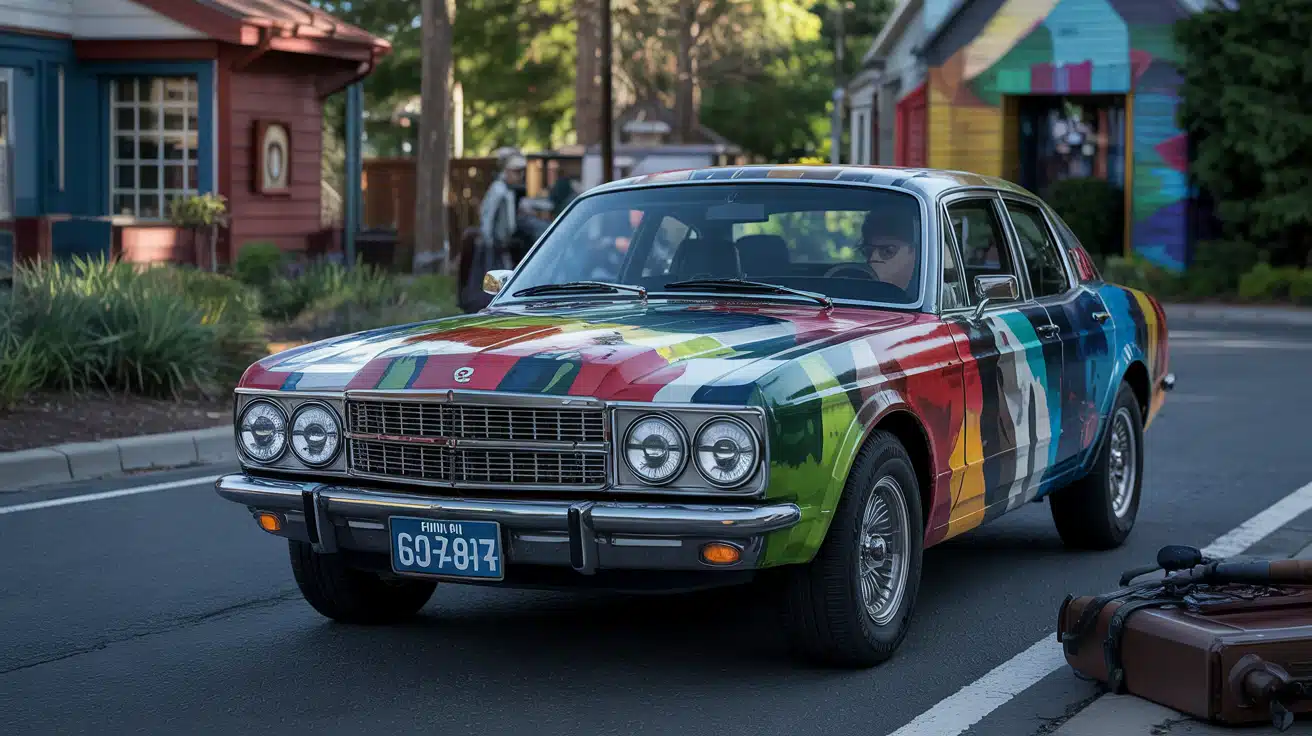
Photobashing merges photography with digital painting to speed up the creation process. Artists start with real photos as a base, then paint over and modify them to fit their vision.
This method is widely used in film and game concept art because it delivers realistic results quickly. It bridges the gap between photography and illustration.
| Aspect | Details |
|---|---|
| Best For | Concept art scenes, movie matte paintings, and environment design |
| Key Features | Photo integration, digital overpainting, quick iteration |
| Popular Tools | Photoshop |
| Skill Level | Intermediate to Advanced |
10. Animation (2D & 3D)
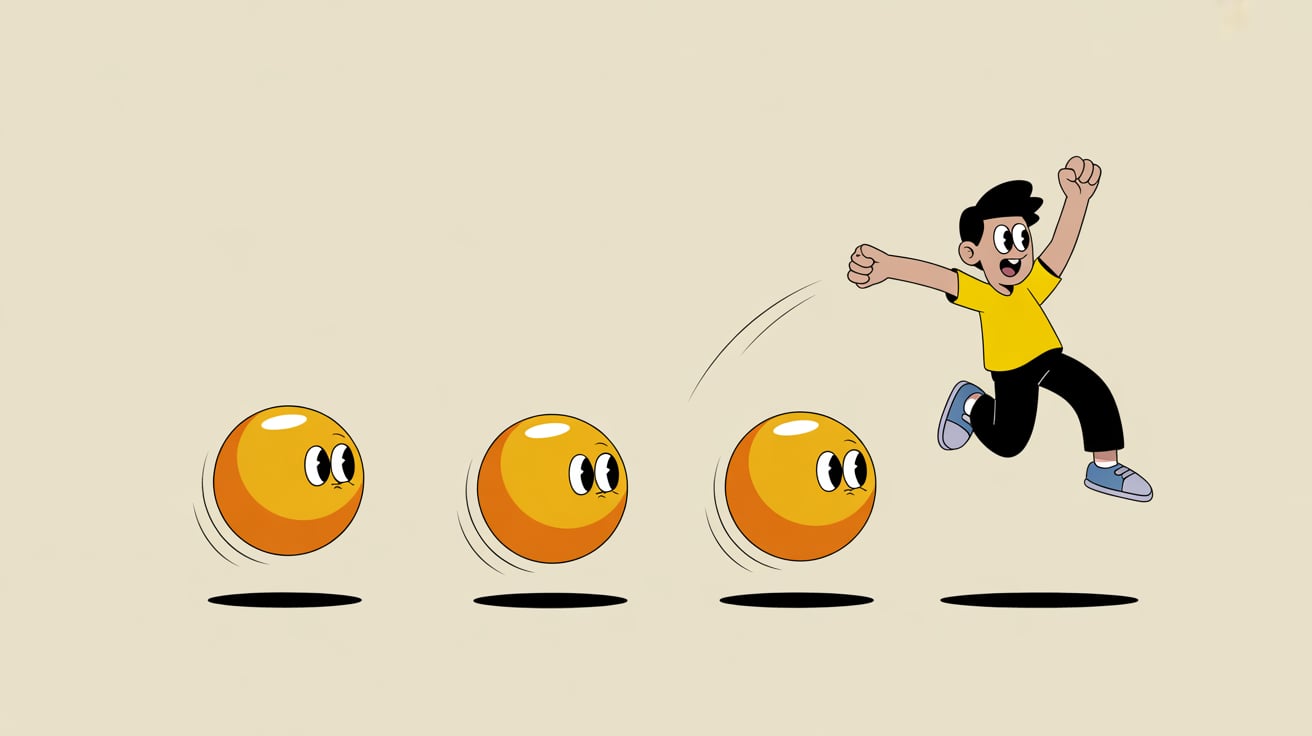
Animation brings still images to life through movement and timing. Artists create frame-by-frame sequences or use rigging systems to animate characters and objects.
This style is fundamental in cartoons, explainer videos, and game cutscenes. Both 2D and 3D animation require understanding motion, timing, and storytelling.
| Aspect | Details |
|---|---|
| Best For | Animated shorts, motion graphics ads, game cutscenes |
| Key Features | Frame sequencing, rigging, timing, keyframing |
| Popular Tools | After Effects, Toon Boom, Blender |
| Skill Level | Intermediate to Advanced |
11. Motion Graphics
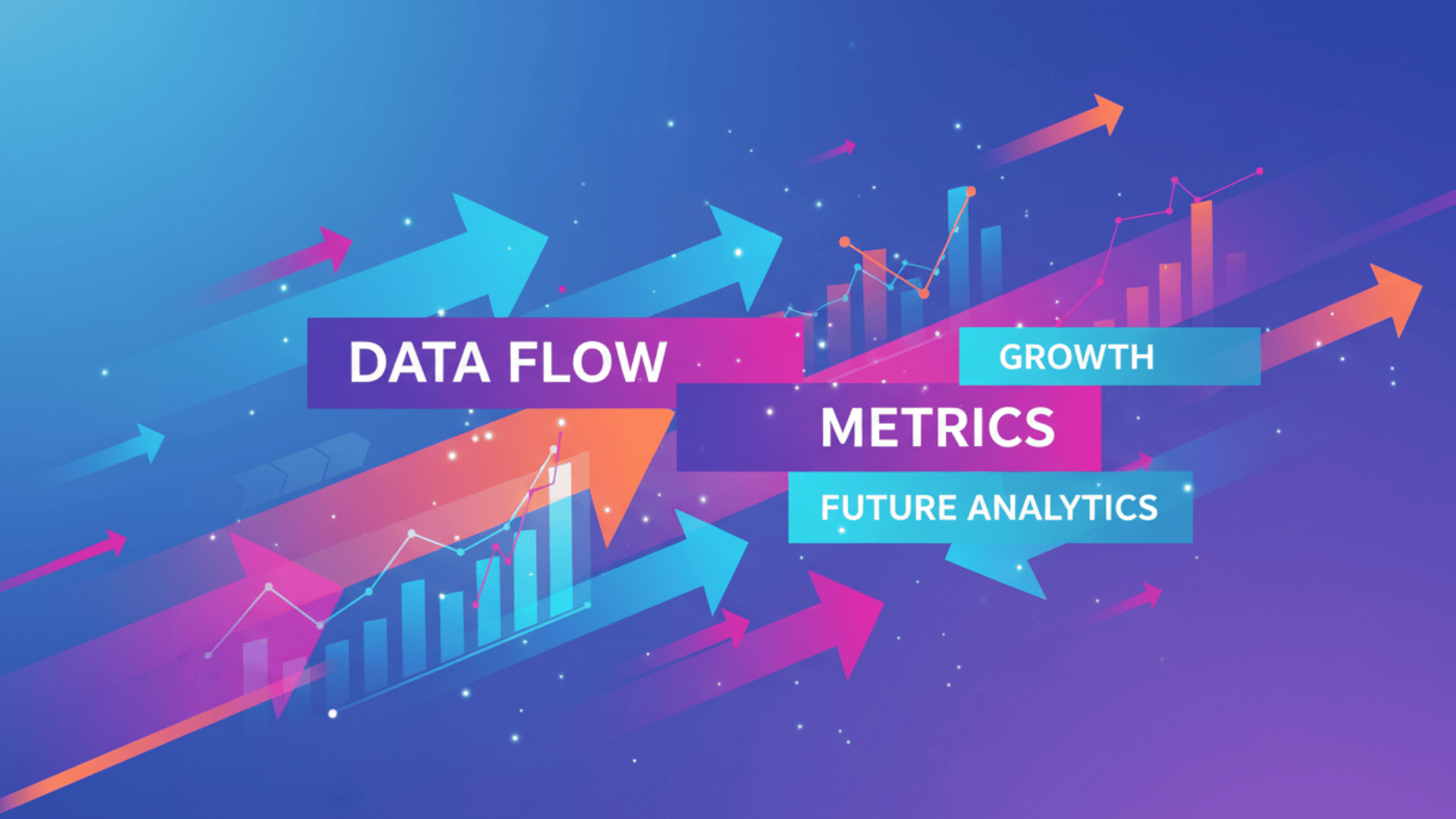
Motion graphics combine design principles with animation to communicate ideas visually. This style focuses on moving text, shapes, and icons rather than character-driven stories.
Businesses use it for explainer videos, app interfaces, and promotional content. It makes information easier to understand and more engaging to watch.
| Aspect | Details |
|---|---|
| Best For | Explainer videos, UI transitions, brand animations |
| Key Features | Kinetic typography, shape animation, transitions |
| Popular Tools | After Effects, Cinema 4D |
| Skill Level | Intermediate |
12. VR / AR Art
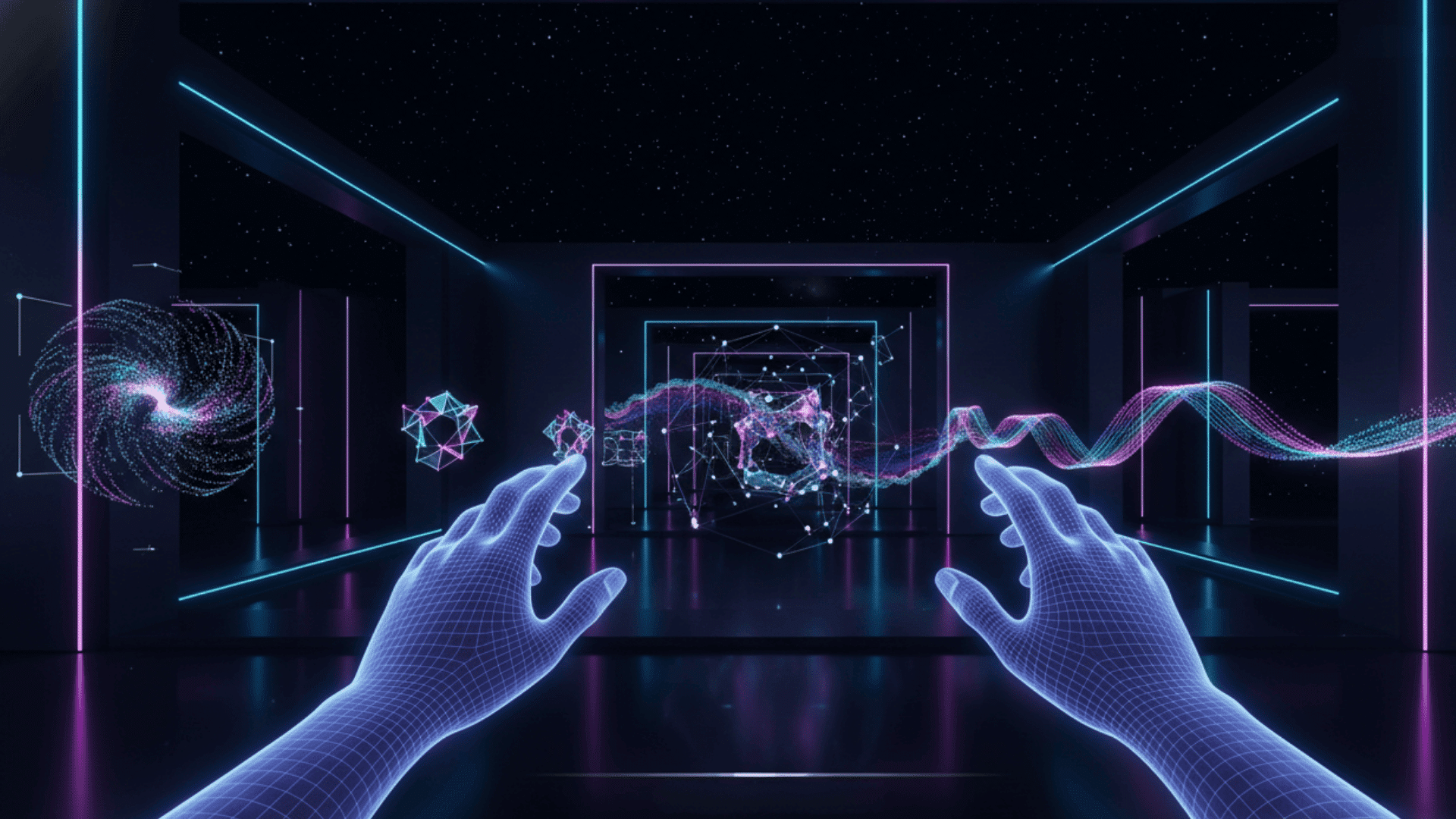
VR and AR art places viewers inside or alongside the artwork itself. Virtual reality immerses you completely in a digital space, while augmented reality overlays art onto the real world.
Artists design interactive experiences, installations, and worlds that respond to user movement. This style redefines how people interact with art.
| Aspect | Details |
|---|---|
| Best For | Virtual world installations, augmented experiences, interactive exhibits |
| Key Features | Spatial design, interactivity, real-time rendering |
| Popular Tools | Unity, Unreal Engine |
| Skill Level | Advanced |
13. Generative / Algorithmic Art
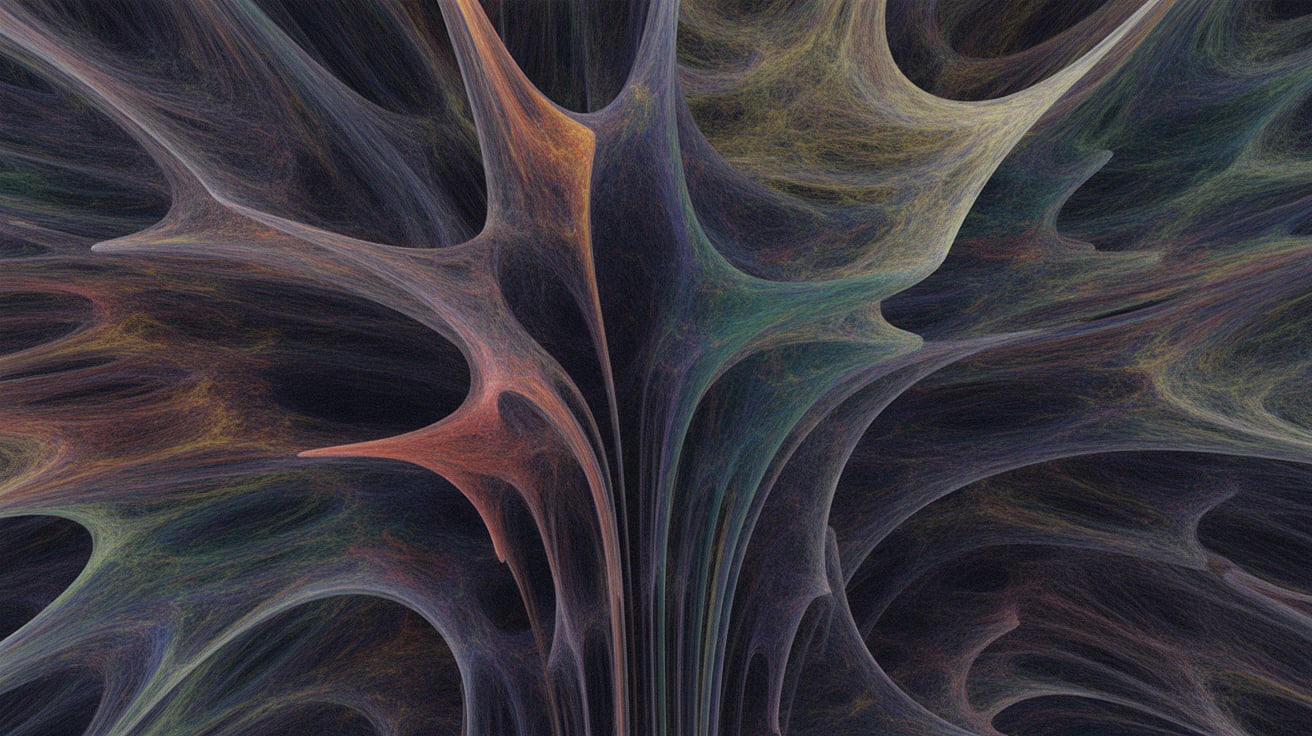
Generative art uses code, artificial intelligence, or procedural systems to create visuals. The artist sets rules and parameters, and then the software generates unique results.
This style has grown with AI tools that can produce images from text prompts. It raises interesting questions about creativity, control, and authorship.
| Aspect | Details |
|---|---|
| Best For | AI-generated visuals, data art patterns, experimental pieces |
| Key Features | Code-based creation, randomness, AI models, parametric design |
| Popular Tools | Processing, p5.js, Midjourney |
| Skill Level | Intermediate to Advanced |
14. Glitch Art
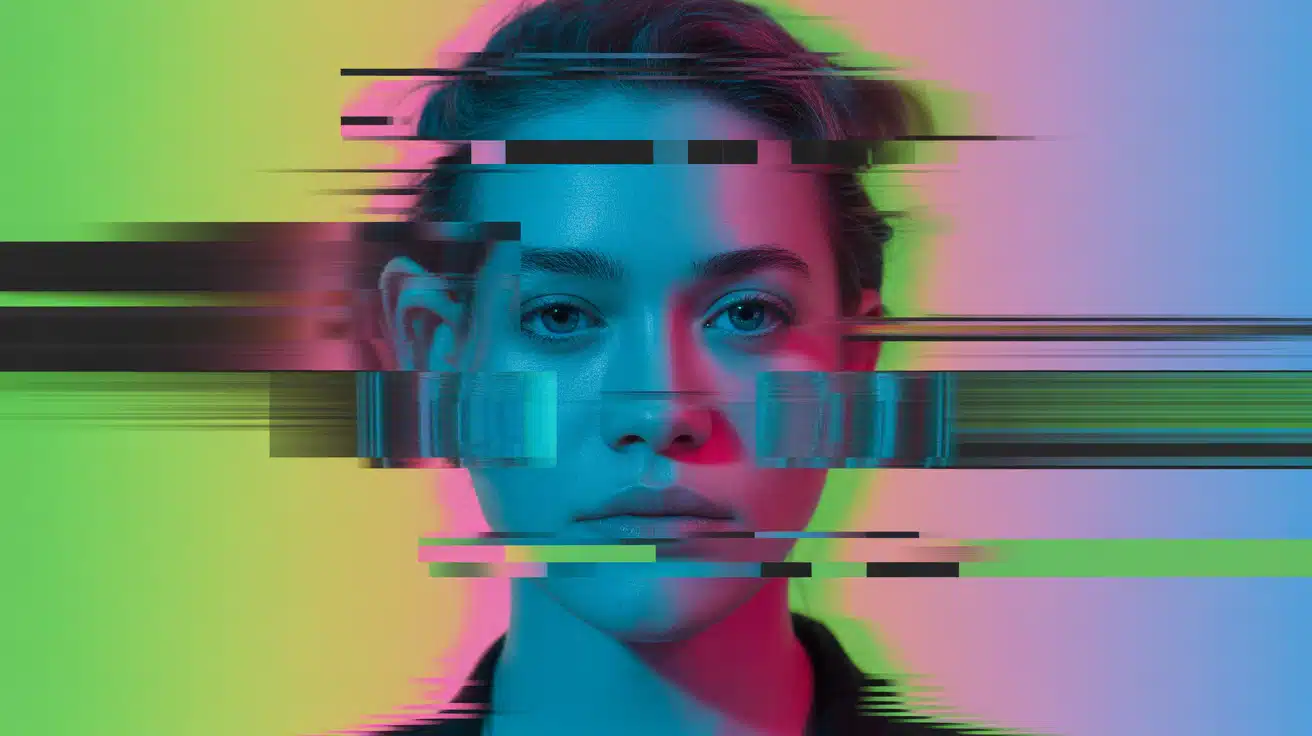
Glitch art embraces digital errors and corruption as a creative choice. Artists intentionally introduce distortions, pixelation, and color shifts to create striking visuals.
This style has roots in electronic music culture and internet aesthetics. It turns technical mistakes into bold artistic statements.
| Aspect | Details |
|---|---|
| Best For | Distorted portrait pieces, abstract video loops, and experimental media |
| Key Features | Data corruption, visual artifacts, digital distortion |
| Popular Tools | Glitch plugins, manual distortion techniques |
| Skill Level | Beginner to Intermediate |
15. Flat & Minimalist Digital Art

Flat design strips away shadows, gradients, and textures for a clean, modern look. This style focuses on simple shapes, bold colors, and clear communication.
App designers and web developers favor it because it loads fast and looks good on any device. Less really is more with this approach.
| Aspect | Details |
|---|---|
| Best For | App illustrations, minimalist posters, web graphics |
| Key Features | Simple shapes, solid colors, no shadows or textures |
| Popular Tools | Illustrator, Figma |
| Skill Level | Beginner to Intermediate |
16. Concept Art
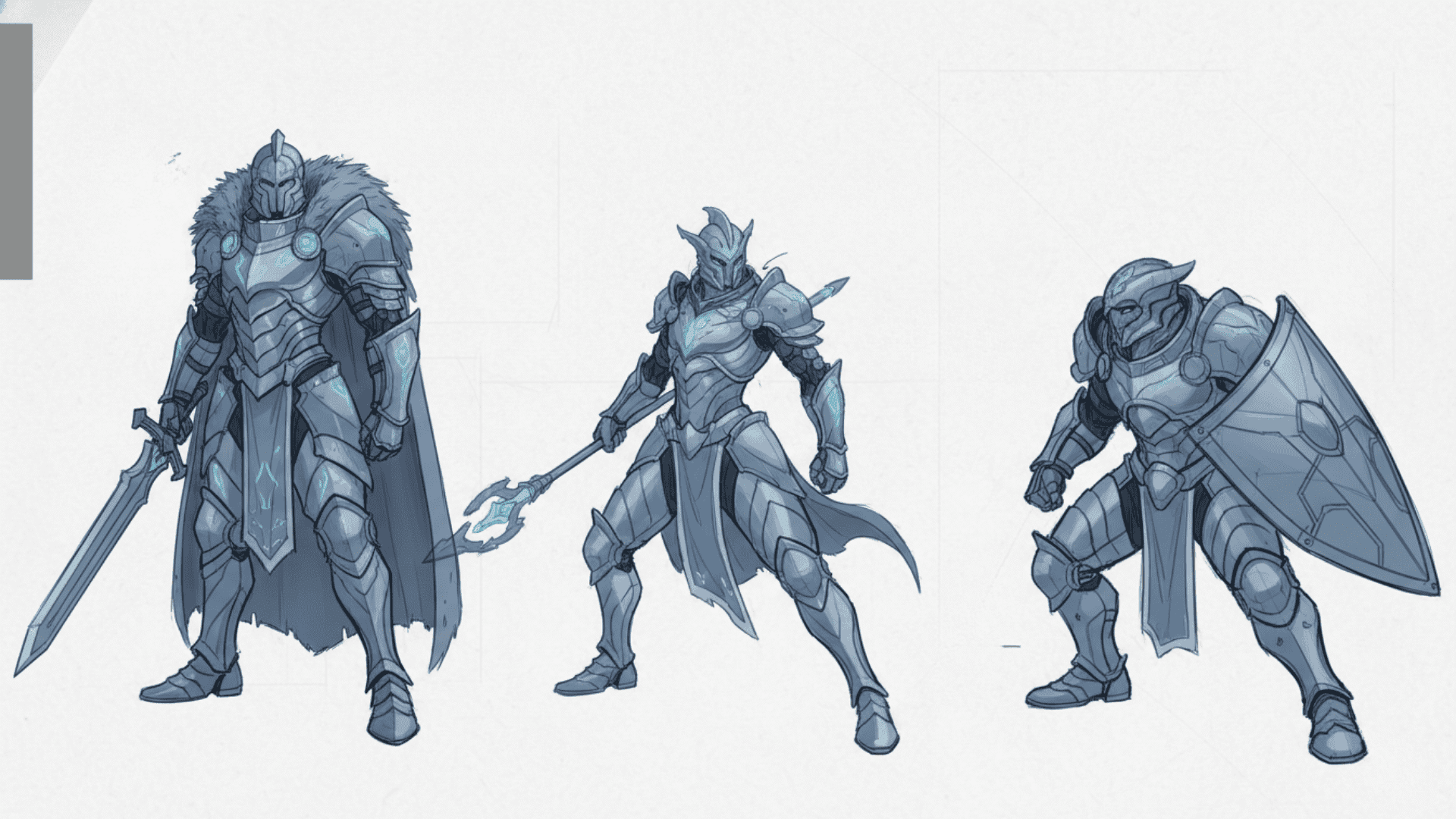
Concept art serves as the blueprint for films, games, and animations. Artists sketch out characters, environments, and props before production begins.
This style requires both creativity and technical skill to visualize ideas that others will build. It’s where imagination meets practical design requirements.
| Aspect | Details |
|---|---|
| Best For | Environment design, character concepts, pre-production visuals |
| Key Features | Quick iteration, visual storytelling, and technical accuracy |
| Popular Tools | Photoshop, Krita |
| Skill Level | Intermediate to Advanced |
Digital Art Tools You Should Know
The right tools can make or break your digital art experience. From industry-standard software to budget-friendly alternatives, here’s what professionals actually use and recommend.
- Adobe Photoshop: The most versatile tool for digital painting, photo editing, and concept art with endless plugins and community support.
- Procreate: An iPad-exclusive app that offers professional-level painting features in an easy-to-use interface at a one-time cost.
- Clip Studio Paint: Built specifically for illustrators and comic artists with specialized brushes, panel tools, and animation features.
- Blender: A completely free 3D modeling and animation suite that rivals expensive professional software in capability.
- Krita: An open-source painting program designed by artists for artists, offering powerful brushes without the price tag.
- Wacom Intuos: A reliable entry-level drawing tablet with good pressure sensitivity that works with most creative software.
- iPad Pro with Apple Pencil: A portable powerhouse that lets you create professional art anywhere with near-zero lag and a natural drawing feel.
- XP-Pen Artist Display: An affordable screen tablet alternative to Wacom Cintiq that shows your work directly under your pen.
- Affinity Designer: A one-time purchase vector tool that challenges Illustrator with smooth performance and professional features.
How to Develop Your Own Digital Art Style?
Finding your unique style takes time and experimentation. Start by studying artists you admire and trying their techniques to understand how they work.
Mix elements from different sources and add your own ideas. Balance exploring new styles with focused practice on what feels right to you.
Create regularly, even if it’s just quick sketches, and keep a folder for experiments. When building your portfolio, start with variety but eventually curate pieces that show your strongest work and the direction you want to go.
Your style will naturally emerge from the subjects you love, the tools you prefer, and the techniques you practice most. Be patient and trust the process.
Final Reflections
Digital art styles give you endless ways to express ideas and tell stories. From pixel art’s nostalgic charm to 3D modeling’s depth, each style opens new creative doors.
The key is starting somewhere and practicing consistently. Try a few styles that interest you, learn the tools, and don’t rush finding your voice.
Your unique approach will develop naturally as you create more work. Remember that every professional artist started as a beginner, experimenting with different techniques.
So pick a style from this list, download a tool, and create something today. Your digital art journey starts now. What will you make first?