
Let’s be honest. You have uploaded a clip that looks sharp enough. Then the comments ignore the product and talk about the hiss, the café roar, the music that slams the dialogue into the wall. Potato sound will lose people. That part of the internet advice is true.
The part that is not true is the next sentence: buy nothing, click twice, walk out with a studio. A noise slider cannot put the SKU back on the label. A voice enhancer cannot invent a launch sequence you never briefed. If the object melted at second twelve, great audio is garnish on a different item.
This is not a shopping list for fishing-pole microphones, and it is not a one-click audio booth. It is how video goes from “fine file” to something you can actually mix — by fixing motion and duration first, then treating sound as a pass that has to agree with the picture.
Two jobs. A motion desk for a product story that already has type, rhythm, and a ratio. A video model for a timed scene when the stills are honest. They are not two denoise apps.
<
Why “Good” Video Still Dies in the Comments
p>A 1080p export with a fan in the room is a real problem. So is a silent-looking product that only makes sense after a voiceover explains what you are looking at. Feeds are often muted. If the first second has no visible job, no enhancer will rescue retention. You will just hear the failure more clearly.
Common wrecks, and what they actually are:
The mix is fighting the picture. Dialogue disappears under a track. Or the track is doing the storytelling because the object never moves on purpose. Balance is not “louder music.” Balance is a hold long enough for a caption you typed.
Everything is the same volume, including the lie. Consistent levels on a clip where the cap changes colour is still a lie. Fix the kit.
Sync is off. A mouth that does not match the line, or a whoosh that lands after the cut. Timing belongs in the brief in seconds, not in a panic render.
Echo, hiss, café roar. Those are capture problems. A browser enhancer can help a vlog you already shot. It will not help a generate that invented a second room and then asked the mix to hide it.
You skipped captions. Auto-subtitles you did not read are not accessibility. They are a second script. Approve the words.
A marketing or creator team still owns rights, posting, and the line a founder has to say. Software replaces the afternoon you would have spent polishing a file that was never the product. It does not replace watching with the sound off, then with the sound on.
Make the Launch a Sequence, Not a Louder File
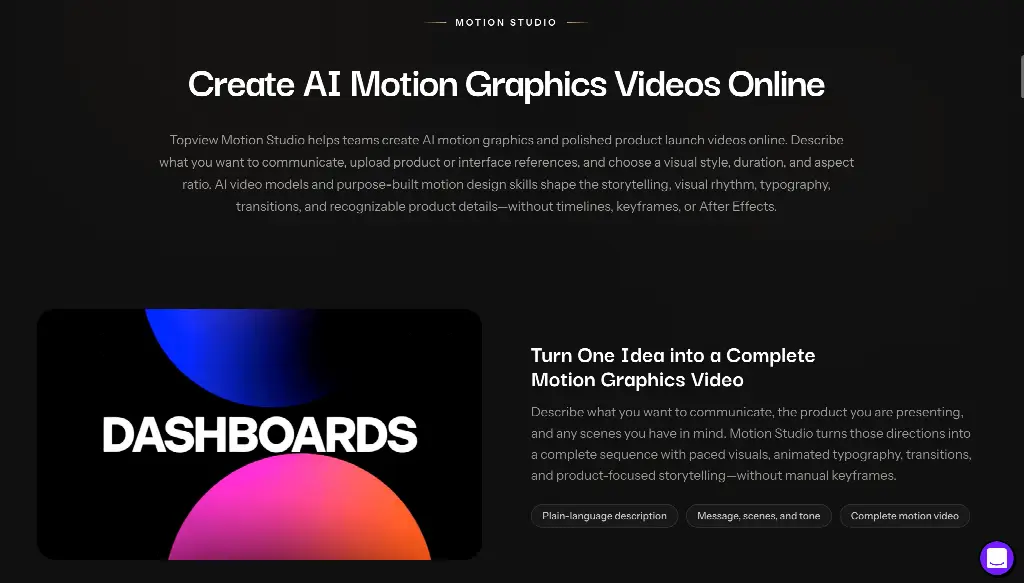 Auto-enhance works frame by frame. A product story works beat by beat: what it is, why it matters, a hold. That wants type, pacing, and a frame that matches the placement — homepage, deck, story — not another noise-reduction pass.
Motion Studio is a guided launch-and-feature workflow: write the product story, upload stills (product photos, UI, logo; JPG, JPEG, PNG, or WEBP, about 15 MB each), pick a motion direction, set duration from about four to sixty seconds, pick one of six aspect ratios (including 9:16, 1:1, 16:9), then generate on a canvas. It is not an online After Effects editor and does not hand you an .aep file. References guide the look. They do not guarantee pixel-perfect identity. Review the object.
Set the ratio before you generate. Cropping a 16:9 hero into a Reel is how type falls off the edge — and how you later crank the music to cover the mess. Kinetic type is part of the story, not a sticker you add after a bad mix.
Best for: a launch, a feature announce, a SaaS or hardware clip that has to say one thing in a chosen frame. Skip if: you only needed to hush an AC unit on a talking-head you already recorded.
Write the Clock So the Sound Has Something to Follow
Once the still is honest, you still need a take that lasts. One-click “cinematic, add a score” is how a label melts while the whoosh sounds expensive.
Seedance 2.5 is a multimodal model for about four to thirty seconds from text plus image, video, and audio references, with timing you can write in seconds. Hosted export is typically 1080p-class, not a 4K poster. You can attach audio as a reference. That is direction, not a mastering suite. The picture still has to work muted.
“0–4s the same packshot, readable at phone size; 4–12s a slow push on the claim; 12–20s hold for a caption I will type — no extra hands, no new room.” If second eighteen grows jewellery, fail it silent. Do not rescue it with a voiceover. If you add sound after it passes, check that speech, effects, and action agree. A split-second delay still reads as amateur.
Captions you approve still beat a generated mouth you did not hire. Music you own still beats a library track you cannot run in ads. Credits are studio time. A free enhancer is a sample. Generated faces are not testimonials.
Best for: a scene that has to last a sentence with the kit you already locked. Skip if: the job was denoise on a podcast you shot in a hallway.
From Good to Great, Without a Miracle Click
Skip the promise that two taps turn a 90s tape into a studio. Ask four questions. Does the first second have one visible job with the sound off. Did I set length and ratio before I generated. Will the object survive a mid-point freeze-frame. Only then: is the mix even, in sync, and quieter than the claim.
If the first two answers are no, you do not have an audio problem. You have a postcard. Enhance it and you will hear the postcard more clearly.
Use Motion Studio when the launch still needs a sequence. Call Seedance 2.5 when the beat has to last and the sound has to follow a clock. Then, if a fan is still in the room on a live recording, take that file to a real enhancer. Post the cut you watched — picture first, mix second, comments optional.